7 Business Processes SMEs Can Automate with AI
The value of AI in a business is not in chatting but in taking over a repetitive work step from a person. This guide covers seven processes SMEs can automate, the groundwork they need and where AI reaches its limits.

Summary
The value of AI in a business is not in chatting but in taking over a repetitive work step from a person. This guide covers seven processes SMEs can automate, the groundwork they need and where AI reaches its limits.
Where AI fits in a business
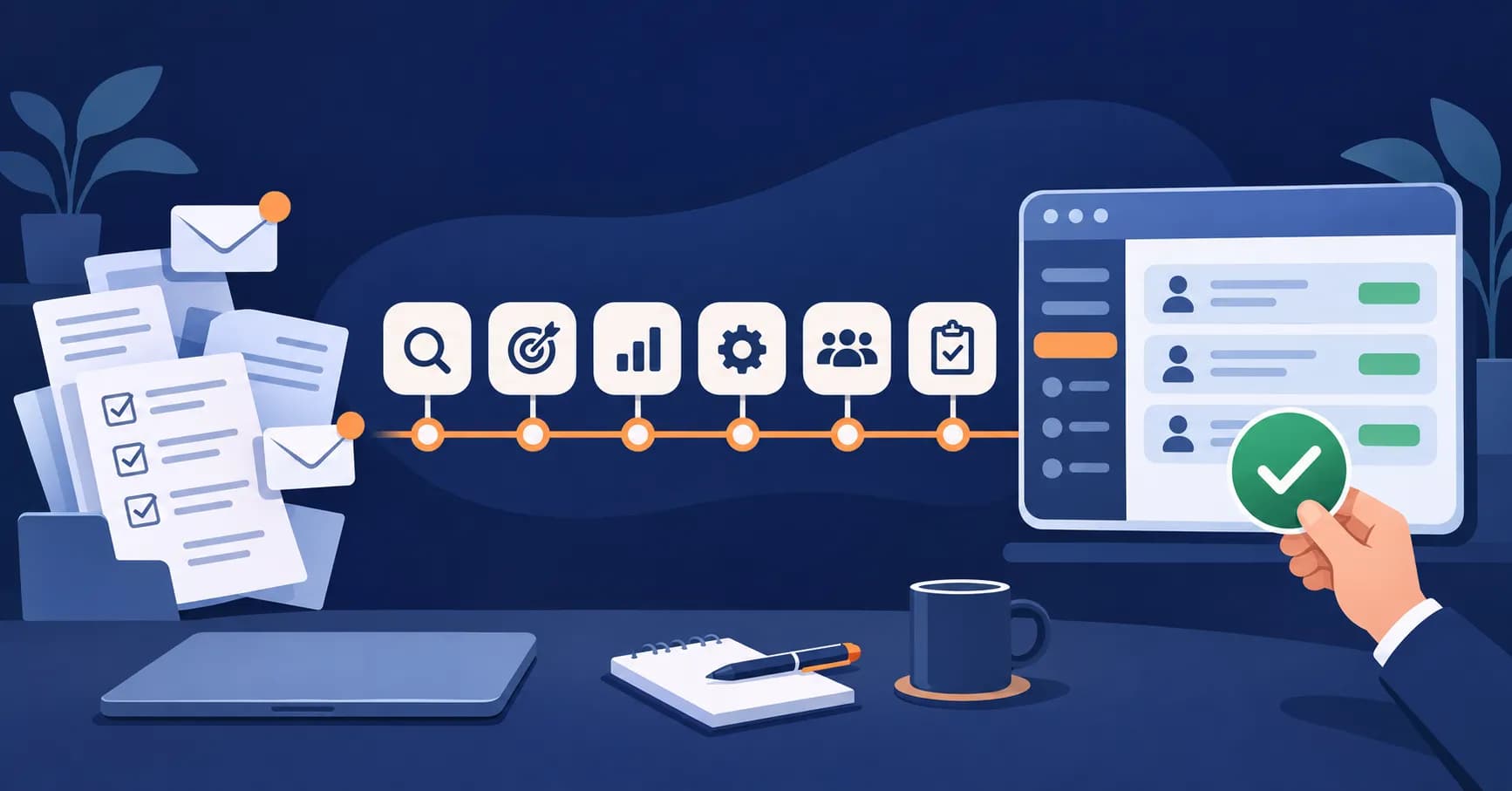
Asking a chat tool a question, summarising a slide deck or polishing a text is personal use: you still do the work, and the tool helps. AI automation in a business is something else. Picture a flow that reads a supplier invoice, extracts the amount and VAT number, opens a draft entry in your accounting software and only puts the doubtful cases in front of an employee. The first is a personal assistant; the second is a work step taken over from a person. This article is about the second: which tasks a business with 5 to 50 employees can hand over in this way, what has to be in place first, and where a person must stay involved. If you are looking for a tool for your own use, this article is not for you; if you run a business, read on.
One test is enough to tell whether a task can be automated: it repeats, its rules can be written down, and its input is digital. If one of the three is missing, fix that first. A task done dozens of times a day but "everyone does it their own way" cannot be handed to AI, because there is no rule to hand over. A paper document cannot enter any flow until it is digitised. To be frank, most businesses do not fully meet this test today, which is why each section below covers not only what can be done but also what needs to be ready.
Seven processes that can be automated
The seven processes below are among the most common repetitive tasks in small and medium-sized businesses. For each one we describe the task, how it is automated, what must be ready and where the limit lies.
Preparing quotes and prices
The task: Reading a customer's request email, picking items from the product list, applying prices and discounts and preparing the quote document.
How it is automated: The system reads the request, matches the requested products or services to entries in the price list, applies the defined discount rules and creates a draft quote from a standard template. A sales rep checks the draft, corrects it if needed and sends it.
What must be ready: A current price list held in one place, written rules on which customer gets which discount at which quantity, and an approved quote template.
The limit: Negotiation, special prices and exceptions for key customers are human decisions. If the request is vague, the system makes a guess, so no quote should reach a customer without the rep's approval.
Classifying and routing incoming email
The task: Reading emails arriving in a shared inbox, sorting them into orders, complaints, billing questions or job applications, and forwarding them to the right person.
How it is automated: Each email is assigned a category based on its content, flagged for urgency and placed in the right person's or team's work queue. Details such as order numbers and customer names are extracted and added to the record.
What must be ready: A written list of categories and who owns each one, plus past emails that were classified correctly.
The limit: An email that mixes several topics or is unusual may land in the wrong place, so there should be a "to be checked" queue for cases the system is unsure about. Sending automatic replies to customers is a separate decision that deserves more care.
Reading invoices, delivery notes and other documents
The task: Opening a supplier's PDF invoice or a scanned delivery note and typing the date, amount, VAT number and line items into the accounting or inventory software.
How it is automated: The document is read, the fields are extracted and compared with the supplier record and the related purchase order. If everything matches, a draft entry is created; if amount, quantity or supplier do not match, the document goes to a person. Structured e-invoices already contain machine-readable data, so the real workload disappears for documents that arrive as PDFs, email attachments or paper.
What must be ready: Digital documents of readable quality, a way to pass data into your accounting or inventory software, and orderly supplier and account codes.
The limit: Poor scans, handwriting or unusual layouts lead to errors. No entry should become final without a person's approval, and judgement calls, such as which account an expense belongs to, stay with your accountant. If your documents are non-standard or the extracted data has to go into several systems, this flow is not built with an off-the-shelf tool but through tailored AI software development.
Forecasting stock and orders
The task: Deciding each month how much of each product to reorder, based on past sales and experience.
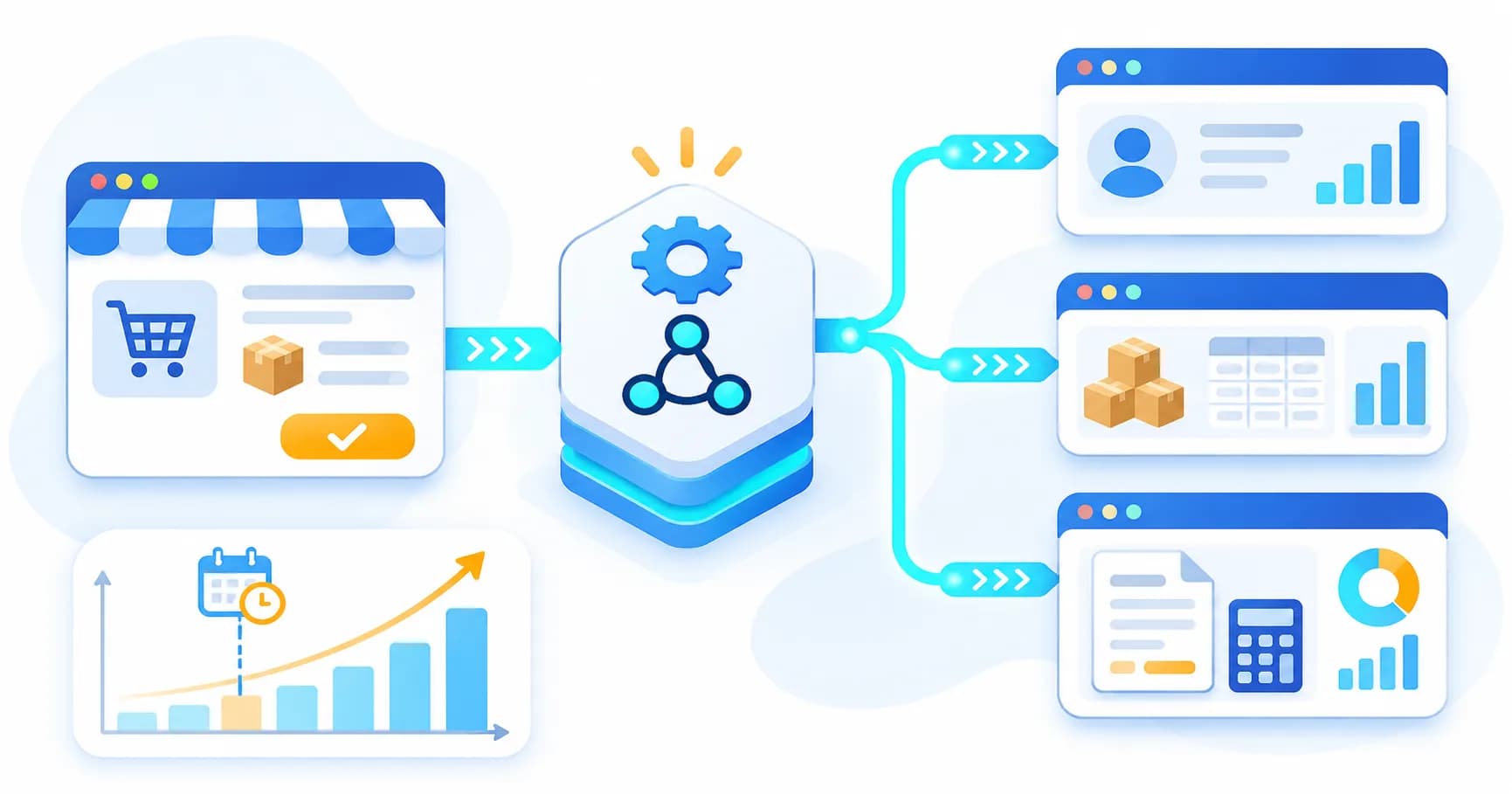
How it is automated: Past sales, seasonality, promotions and supplier lead times are considered together, and the system produces a suggested order quantity per product and an estimate of when stock will run out. The purchasing manager adjusts or approves the suggestion.
What must be ready: A sales history long enough to show seasonality and consistent at product level, product codes that have not changed over the years, and recorded lead times.
The limit: It cannot foresee what has not happened before, such as a new product, a sudden shift in demand or a supply problem. A forecast is a suggestion; for new products and unusual periods, human judgement decides.
First response to customer questions
The first answer to repetitive questions such as "where is my order", "what are your opening hours" or "how do returns work" can come from an assistant that relies on your own business information and hands conversations it cannot answer, or that contain a complaint, to an employee. What must be ready is a current, written question-and-answer source; the limit is any question outside it. We cover which businesses this suits and how it is set up in our guide to AI and chatbots for businesses.
Producing reports and summarising data
The task: Collecting sales, receivables and stock data from different systems every week and preparing a summary for management.
How it is automated: Data is pulled automatically from the source systems, defined indicators are calculated, and the system summarises notable changes in plain language, for example a product group whose sales fell compared with last week, or overdue receivables.
What must be ready: Written definitions of each indicator (what "net sales" includes, whether returns are deducted) and access to data from the source systems.
The limit: The part that calculates figures follows defined rules; the part that writes the summary can draw a false cause-and-effect link or describe a trend that is not there. Every statement in the summary should therefore rest on a figure in the report, and interpretation and decisions stay with management.
Pre-screening job applications
The task: Reading applications for a vacancy and separating those that meet the minimum requirements in the ad, such as a specific certificate, driving licence category or language skill.
How it is automated: Applications are read, information relating to the criteria in the ad is extracted and a short summary is prepared for each candidate. The recruiter uses these summaries to assess the applications themselves.
What must be ready: Criteria defined in advance, in writing and without discrimination, and a privacy notice telling candidates how their data is processed.
The limit and the rules: Of the seven processes, this is the one that needs the most care. The EU AI Act (Regulation 2024/1689) lists AI systems used in employment and recruitment as high-risk and attaches additional obligations to them. Businesses operating in the EU or recruiting candidates in the EU should assess what this means for them. In addition, the GDPR gives people rights in relation to decisions based solely on automated processing that significantly affect them. The screening output should therefore be a summary, not a decision: a person who has reviewed the application should be the one who rejects a candidate or moves them forward. Discuss your own situation with a legal adviser before you introduce anything in this area.
Three things you need before you start
None of the processes above starts with technology. In most businesses the real obstacle is not the AI itself but one of the following three gaps.
Orderly data — you cannot automate on scattered spreadsheets
Automation uses data as it finds it. If the same customer is recorded under three different spellings, product codes have changed over the years and every sales rep keeps a separate price list on their own laptop, the system will not clean up the mess; it will only speed it up. The first step is to define one source of truth for each piece of information: in which system the price, the customer record and the stock level are officially held. This often takes longer than the automation project itself, and it benefits the business even if AI is never used.
Clear processes — an unwritten process cannot be automated
A process that "only our accounts person knows" cannot be handed over. Every step should be written down: who does it, with what information and according to which rule. Which emails go to accounts? Above which amount is a manager's approval needed? What happens with exceptions? While writing these answers down, many businesses discover that three people do the same task in three different ways. Business process automation only makes sense once that gap is closed.
A responsible person — someone must own the output
Every automated flow needs an owner: who checks the output, who corrects an error when it is spotted, who updates the rules when a new price list or a new product arrives. An automation without an owner turns within months into a tool that either nobody trusts or nobody checks. The second is more dangerous, because errors pile up unnoticed.
Where to start
Start with the smallest, most frequent process whose result is easiest to measure, not with a large "move the company to AI" transformation project. Document reading or email classification is often a good first candidate: the input is digital, the rules are fairly clear and errors are easy to see.
Write down your success measure before you begin. "Be more efficient" is not a measure; "how many incoming invoices are booked correctly without anyone correcting them" or "how long an email takes to reach the right person" is. Measure today's value before the pilot, or you will have nothing to compare against later. If you bring in outside AI consulting, discuss this measure in the first meeting, not tools.
Then plan a limited pilot: a set period, one document type or one inbox. During the pilot, the automation's output and the employee's work are kept side by side, errors are logged and rules are adjusted. If the pilot meets the measure, the scope is widened; if not, you work out whether the problem lies in the data, the process or the tool. We describe how we plan these steps with a business on our AI automation page.
What AI cannot do
Putting AI in the right place starts with knowing what it cannot do.
- It does not take responsibility. Responsibility for a wrong quote, an incorrect booking or an unfair screening decision lies with the business that uses the system. "The system said so" is not an explanation.
- It does not know the context. It cannot know about yesterday's phone call with a customer, a verbal agreement with a supplier or this month's priorities unless it is given that information. It can make a decision outside that context wrongly and with full confidence.
- It can make things up. Instead of saying "I don't know", language models can produce an answer that sounds plausible but is wrong. This is called hallucination, and it is especially risky with figures, dates, names and legal references. Every output should therefore be checkable against its source.
- It cannot be left unsupervised. Prices, rules and business conditions change; a rule that worked yesterday can produce wrong results today. An automation that is not regularly sampled and checked multiplies errors quietly.
These limits do not make AI useless; they decide where it belongs. In tasks that repeat, have written rules and produce checkable output, it takes tiring steps off your team. Decisions, responsibility and exceptions stay with people.
Frequently Asked Questions
Can a small business really benefit from AI?
Yes, but usually through one repetitive task rather than a large project. If a task is done the same way every day, its rules can be written down and its input is digital, such as entering incoming invoices, a small business can automate it too. What matters is not headcount but how orderly the process and the data are.
How much data do we need to use AI?
It depends on the process. For document reading or email classification, a few dozen correctly handled examples plus written rules are often enough to start. Demand forecasting needs a sales history long and consistent enough to show seasonality. How clean and centralised the data is matters more than how much there is.
Will it work with the software we already use?
In most cases, yes. Automation does not replace your accounting, inventory or CRM software; it reads data from it and writes data back. That requires a way to exchange data (an API, file transfer or an integration module), so this technical limit should be checked first.
Who is responsible if the AI output is wrong?
The business using the system. AI is a work tool, not a decision-maker; the business carries the consequences of a wrong quote or an incorrect booking. That is why every automated flow needs a named person who checks the output and corrects errors.
Is it legal to use AI in recruitment?
That is a legal assessment that depends on where you operate and how the system is used. The EU AI Act classifies AI systems used in employment and recruitment as high-risk and attaches additional obligations, and the GDPR gives people rights regarding decisions based solely on automated processing. In practice, a person should review the screening output and make the decision; seek legal advice before you start.