Business Websites in the EU: Company Information, Cookies and Accessibility Rules
Company details, proper cookie consent and accessibility are what EU-facing business websites most often lack. The EU rules, country differences and a 15-minute checklist.

Summary
Company details, proper cookie consent and accessibility are what EU-facing business websites most often lack. The EU rules, country differences and a 15-minute checklist.
Three obligations, one website
If your business sells to customers in Europe, your website has to meet rules that many businesses only discover when a customer, a competitor or an authority points them out. The three most frequently missing are: a complete set of company information (called an "imprint" or, in Germany and Austria, "Impressum"), cookie consent that actually works, and accessibility. The third is new: the European Accessibility Act has applied since 28 June 2025.
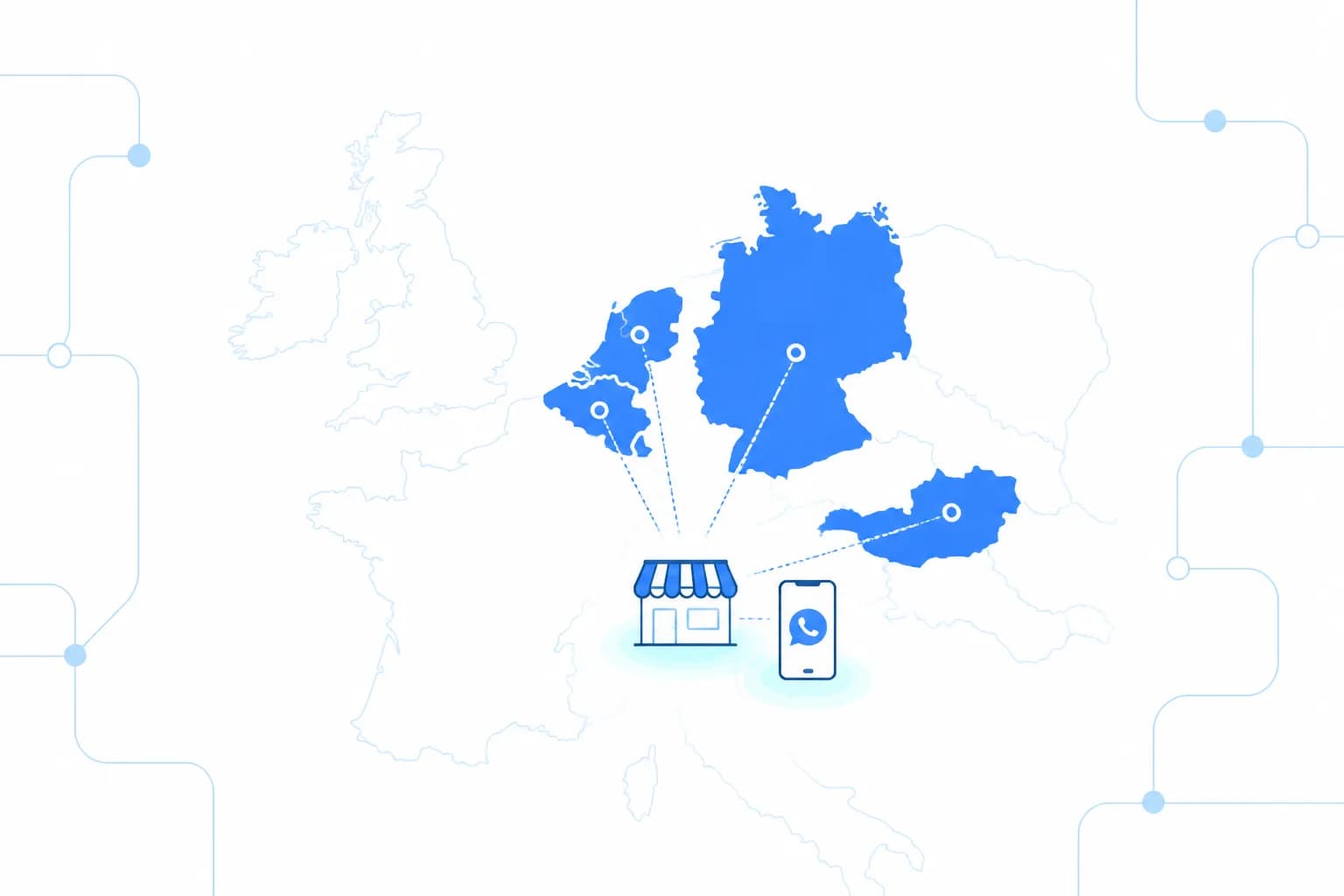
The EU sets a common baseline for all three, but each country implements it in its own law and adds its own details. This guide explains the baseline, highlights the differences in Germany, the Netherlands, Austria and Poland, and ends with a checklist. It is not legal advice; for your specific situation, consult a lawyer in the relevant country.
Company information: the EU baseline
Article 5 of the E-Commerce Directive requires online service providers to make certain information "easily, directly and permanently accessible", including:
- the name of the service provider and the geographic address where it is established
- contact details that allow rapid, direct contact, including an email address
- the trade register and registration number, where the business is registered
- the supervisory authority, where the activity requires authorisation
- for regulated professions, the professional body, title and applicable rules
- the VAT identification number, where applicable
These are minimums. In practice, businesses place this information on a dedicated page linked from the footer of every page, often called "Imprint", "Legal notice" or "Company information".
Common mistakes:
- A contact form but no email address. The baseline explicitly requires an email address.
- The parent company's details instead of the local entity's. If your German or Polish subsidiary runs the site, its details must appear.
- A link only on the home page. The information should be reachable from every page.
- A PO box instead of a real address. The geographic address of the establishment is required.
How countries add to the baseline
Germany. The Impressum is set out in section 5 of the Digital Services Act (DDG) and is enforced strictly; missing details regularly lead to warning letters from competitors. Legal form, authorised representatives, register court and number, email and VAT ID all belong in it. Business social media profiles should also link to it.
Austria. The Impressum draws on two laws, e-commerce rules and media law, so a German Impressum cannot simply be copied for an Austrian entity.
The Netherlands. There is no "Impressum" concept, but businesses usually show their Chamber of Commerce (KvK) number, address, email and VAT number in the footer or on the contact page.
Poland. Beyond the e-services law, the Commercial Companies Code requires limited liability and joint-stock companies to show their registered office, register court and KRS number, tax ID (NIP) and share capital on their websites. Services provided electronically also require published terms of service.
If you operate entities in several countries, each one needs its own correct set of details.
Cookies: consent that works
The cookie rule comes from the EU ePrivacy Directive: storing information on a user's device, or reading it, requires the user's consent based on clear and comprehensive information. The standard for valid consent comes from the GDPR: freely given, specific, informed and unambiguous. The exception covers cookies that are strictly necessary for a service the user has asked for, such as a shopping cart or a login session. Each country implements the rule in its own law, for example Germany's TDDDG or Poland's Electronic Communications Law.
In practice:
- Nothing loads before consent. Analytics, advertising and remarketing tags should fire only after the user clicks "Accept". The most common error is a visible banner while tags are already running in the background.
- Refusing is as easy as accepting. If the first layer offers "Accept all", an equally prominent "Reject" belongs next to it.
- Separate purposes. Users should be able to accept statistics and refuse marketing.
- Consent can be withdrawn. A "Cookie settings" link in the footer lets users change their decision.
- Embedded content counts. Maps, videos and social media embeds usually set third-party cookies.
Your cookie and privacy policies should describe the tools that actually run on your site, with purpose and retention period. A template that lists different tools does not do the job.
Accessibility: the European Accessibility Act
The European Accessibility Act (Directive 2019/882) requires certain products and services to be usable by people with disabilities. Member States have applied their national implementing laws since 28 June 2025, for example Germany's BFSG and Poland's act of 26 April 2024.
Which websites are in scope? For most businesses, the key category is e-commerce services: websites and apps through which consumers buy goods or services and conclude contracts. Online shops, online booking with payment and customer portals where orders are placed generally fall into this category. Banking, electronic communications and passenger transport services are covered separately.
Who is out of scope?
- Microenterprises providing services: fewer than ten employees and an annual turnover or balance sheet total of no more than EUR 2 million.
- Business-only services: the Act targets services for consumers. A shop that genuinely sells only to businesses is generally outside it; if consumers can buy, the picture changes.
- Purely informational sites with no way to order or book are not e-commerce services in this sense.
If you are in scope:
- Make the site technically accessible. In practice, the reference is the Web Content Accessibility Guidelines (WCAG) and the European standard based on them. Keyboard navigation, labelled form fields, sufficient contrast, alternative text for images, a logical heading structure and a checkout that works without a mouse and with a screen reader are the essentials.
- Publish accessibility information. Service providers must make available information on how their service meets the accessibility requirements. This is usually a dedicated accessibility statement linked from the footer.
- Keep it up. New product pages, a new payment provider or a redesign can undo earlier work. Check again after changes.
An accessibility overlay that switches font size or contrast does not make a site accessible. Problems in structure, forms and checkout have to be fixed in the code. We describe how we build online shops with accessibility in mind from the start on our e-commerce development page.
Quick self-tests for accessibility
Before a professional audit, a few simple tests show where your site stands:
- Keyboard test: put the mouse aside and use only Tab, Shift+Tab and Enter. Open the menu, add a product to the cart and go through to payment. Can you always see which element is selected? Do you get stuck anywhere?
- Zoom test: zoom the page to 200 per cent in the browser. Does text overlap or do buttons disappear?
- Form test: fill in a field incorrectly on purpose. Is the error shown only in red, or does text explain what to fix?
- Image test: is a product image's alternative text "IMG_2041.jpg", or does it describe the product?
These tests do not replace a full audit, but they quickly reveal where most problems lie.
Other pages a European site usually needs
Beyond the three topics of this guide, a business site aimed at European customers usually also needs:
- A privacy notice under Article 13 GDPR: what data is processed, for what purpose, on what legal basis and for how long, who receives it and what rights users have.
- For online shops: information on the right of withdrawal, delivery and payment terms, prices including VAT, and usually general terms and conditions. In Germany, errors in these documents are as likely to draw warning letters as gaps in the Impressum.
Texts translated from a site in another country rarely fit; they need to match local law and your actual offer.
Selling into the EU from outside
Businesses based outside the EU, including in Turkey or the UK, that sell online to EU consumers can also be affected, particularly by the accessibility rules, which focus on services provided to consumers in the Union. A site in a European language, prices in euros and delivery to EU countries all signal that it targets the EU market. Which national rules bind you is a legal question, but customer expectations are clear: buyers look for company details, a fair cookie banner and a checkout they can use. Missing these costs trust before it costs anything else.
A 15-minute checklist
- Is there a link to your company information in the footer of every page?
- Does it include legal form, authorised representatives, register and number, address and email?
- Is your VAT number shown, if you have one?
- Do your business social media profiles link to it?
- Open the site in a private window: do analytics or advertising tags load before you consent? (You can see this in the Network tab of the browser's developer tools.)
- Is "Reject" as visible as "Accept" in the banner?
- Is there a link to cookie settings in the footer?
- Can you add a product to the cart and reach payment using only the Tab key?
- Do product images have meaningful alternative text, and do form fields have labels?
- If you sell to consumers and are not a microenterprise: have you published an accessibility statement?
Every "no" is a task for your list.
Who is responsible?
Legal responsibility lies with the business that runs the website, not with the agency. The agency implements; the operator is responsible for the accuracy of the company information, how consent actually works and the accessibility information. When you commission a new site or a relaunch, ask in writing whether these three points are included. For what else matters on a site for the German and Dutch markets, see our guide to website development in Germany and the Netherlands; our approach to business websites is described on our web development page.
Frequently Asked Questions
Is there one EU-wide rule for the company information on a website?
There is a common minimum from the E-Commerce Directive: name, geographic address, contact details including email, trade register and number, and VAT number where applicable. Each country implements it in its own law and some add more, such as Germany's detailed Impressum rules or Poland's requirement for share capital on company websites. Always check the rules of the country where your business is established.
Is a cookie banner with only an "Accept" button enough?
No. Non-essential cookies require prior consent based on clear information, and refusing should be as easy as accepting. Analytics and advertising tags should not load before the user agrees.
Does the European Accessibility Act apply to small businesses?
Microenterprises providing services are exempt from the accessibility requirements for services. A microenterprise employs fewer than ten people and has an annual turnover or balance sheet total of no more than EUR 2 million. Larger businesses that sell to consumers online are generally covered.
We are based outside the EU. Does the EAA affect us?
The Act applies to services provided to consumers in the EU, so a non-EU business selling online to EU consumers should assess whether it falls within scope. Which national rules apply and how they are enforced is a legal question best answered by a lawyer in your target market.
Will an accessibility plugin make my site compliant?
No. An overlay that changes font size or contrast does not fix the underlying structure. Accessibility is built into the code: headings, form labels, keyboard navigation and the checkout flow.